

Latest Procedures:
- Undivert and Divert the Landline
- Do not divert the Mobile - but check for recorded messages
- When testing whether the un-divert is off - There should just be a DIAL TONE.
if there nothing else needs to be done - But if you do call 4285 7688 — WAIT for someone to answer, or if you get an answerphone to leave a message - SAY - "It's Wollongong CSO calling, just testing our system. NO need to call back. Have a Great Day"
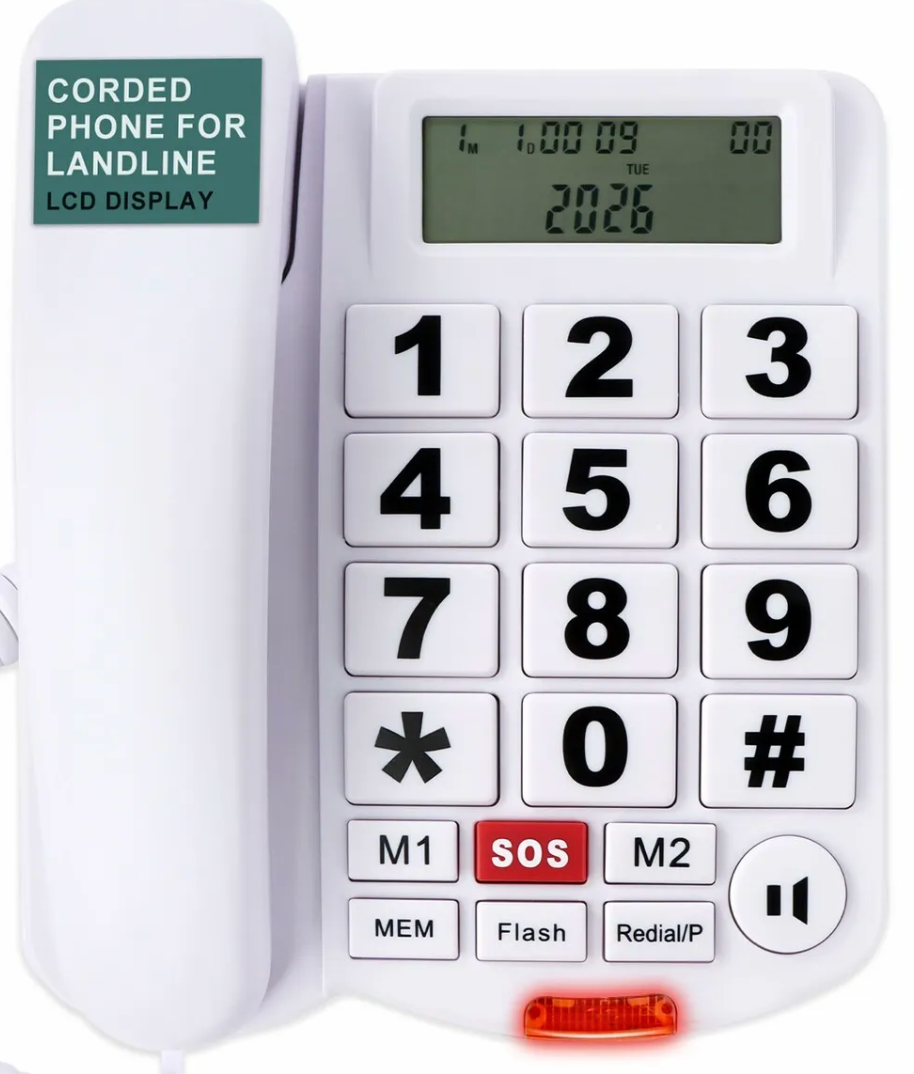
LANDLINE HAS A ATTACHED
Big Button Phone for Seniors,Corded Landline Phone with Caller ID,SOS Button,2 One-Touch Buttons and Hands-Free,Loud Ringer Telephone
Features:
- [Big Button Telephone] The phone features big-sized buttons, which are easy to identify and operate. It is recommended for most people and is also suitable for users with visual impairments or those with unstable hands.
- [Landline Display] The LCD display has the function of call display, which can record the caller's number. It is easy to set the date and time. You can also adjust the screen brightness to use it quickly and conveniently. Brightness adjustment in 5 levels.
- [Speed Dial] The SOS emergency call button can initiate an emergency call immediately. And it supports one-touch and two-touch speed dial.
- [Hands Free] Supports hands-free calls. The volume of the speakerphone can reach 90 decibels and can be adjusted in two levels. The ringtone volume is as high as 100 decibels, there are also two settings available: high volume and low volume.
- [Friendly Design] The red LED indicator light is used to indicate incoming calls. The silicone anti-slip mats prevents the device from slipping, providing a more comfortable call experience. The durable ABS material is used to protect your health and extend the product's lifespan.
This product comes with a 30 Days Manufacturer's Warranty, please click here for details.
For warranty and returns assistance please contact us.
Statutory conditions and warranties also apply.
I can not see a manufacturer or model number
This is where we purchased
Setting Up DIVERT (Call Forwarding)
on Landline Phone.
UNDIVERT: #21#
DIVERT: *21phonenumber#
i.e. *211300222222#
A DIAL TONE TELLS YOU IT IS UN-DIVERTED
FOR INTERNET ACCESS
Check
Mobile is on
4G
network - to check, click this link:
https://www.samsung.com/au/support/mobile-devices/network-mode/
MAKE SURE MOBILE HOTSPOT IS ON
GO TO:
• SETTINGS
• CONNECTIONS
• MOBILE HOTSPOT AND TETHERING
• PUT MOBILE HOTSPOT ON
( WILL ASK TO TURN WIFI OFF)
FOR INTERNET ACCESS
BEFORE:
Check
Mobile is on
4G
network - to check, click this link:
https://www.samsung.com/au/support/mobile-devices/network-mode/
Recharge due 21 August.
Ro to buy new SIM card and transfer mobile to Illawarra and South Coast CSO Inc business Account.
And at same time use our Debit Card Account to pay.
Then will be set up for the future
Ro is "owner"
But Deb, Cassie and Tim are all authorised on this account should anything happen to me
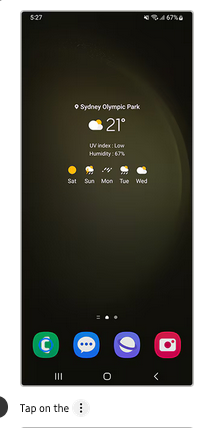
SAMSUNG HELP
Call 1300 425 229
THEN PRESS numbers for
TROUBLESHOOTING UNTIL GET A HUMAN.
TELL THEM the problem.
2. our mobile number is
0409 48 48 15
And REFERENCE NO: 120 431 8139
3. BUT that you will need to set up a
3 way call
to get Ro as the authorised person to give the go ahead.
To do this
To make a 3-way call on a Samsung A16, (after
dialling and being on the line with SAMSING the first person)
tap
"Add call" once connected, dial the second person, and tap
"Merge".
The Samsung A16 allows merging calls into a conference, typically supporting multiple participants depending on your carrier.
Click to see how.
https://www.google.com/search-3+way
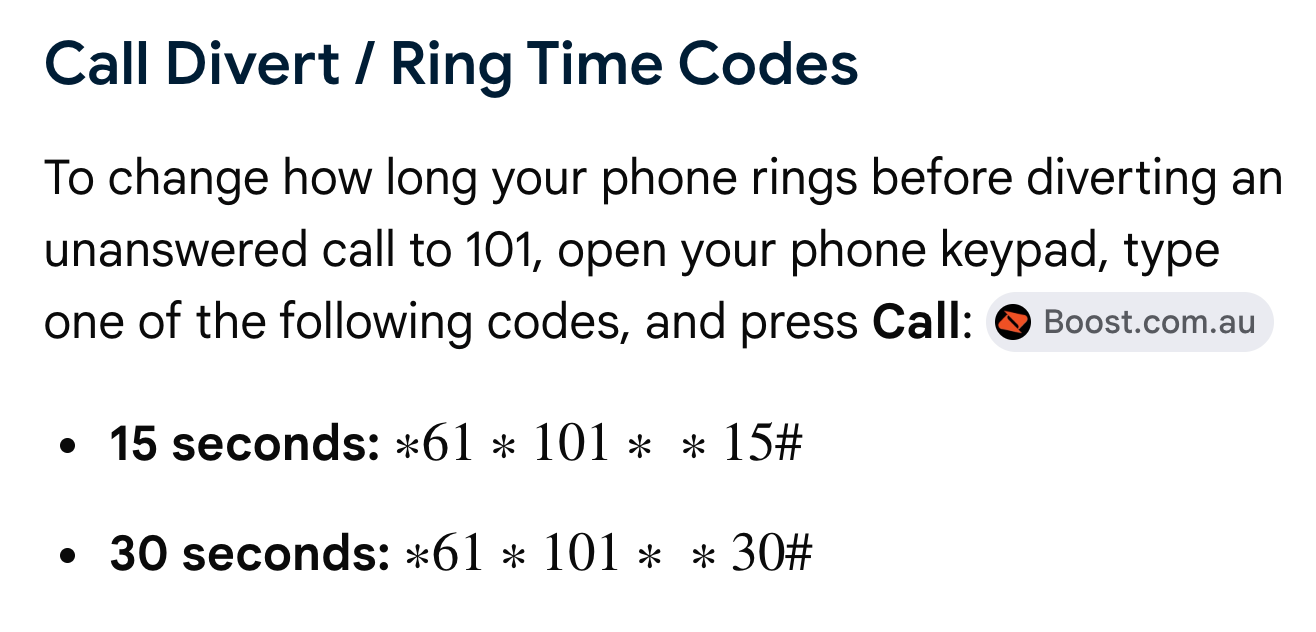
NOTE: We are only diverting the Landline - when we leave and un-divert when we come back.
We are NOT diverting the OFFICE MOBILE -
But please
CHECK for any new Recorded Message on when you arrive.
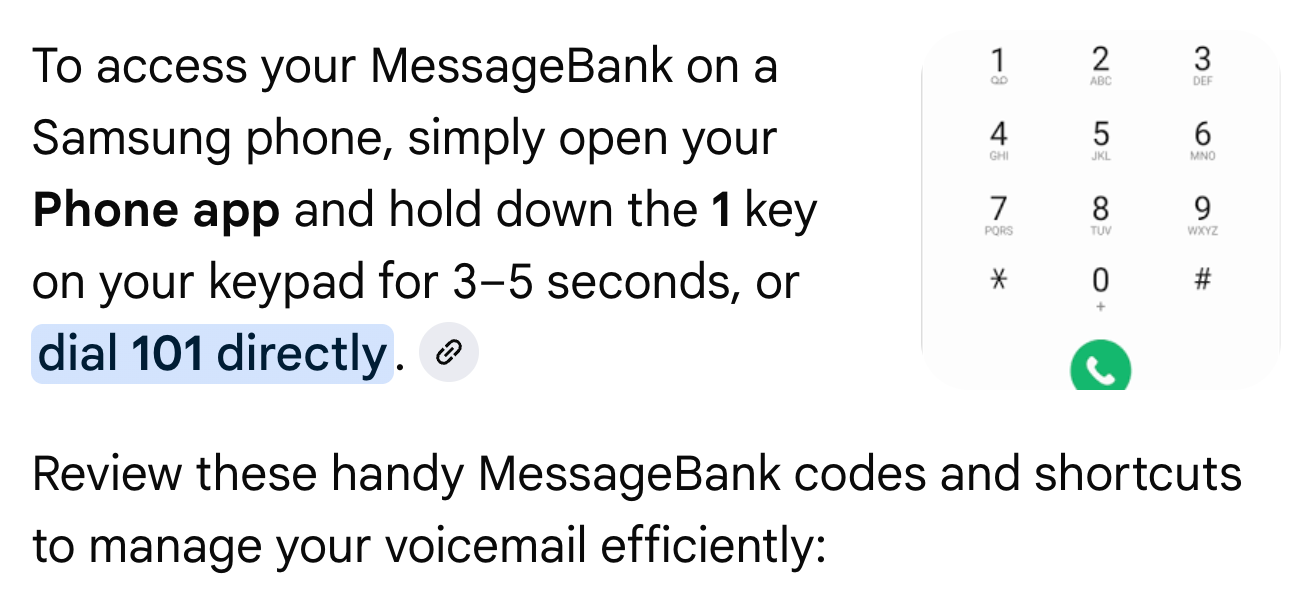
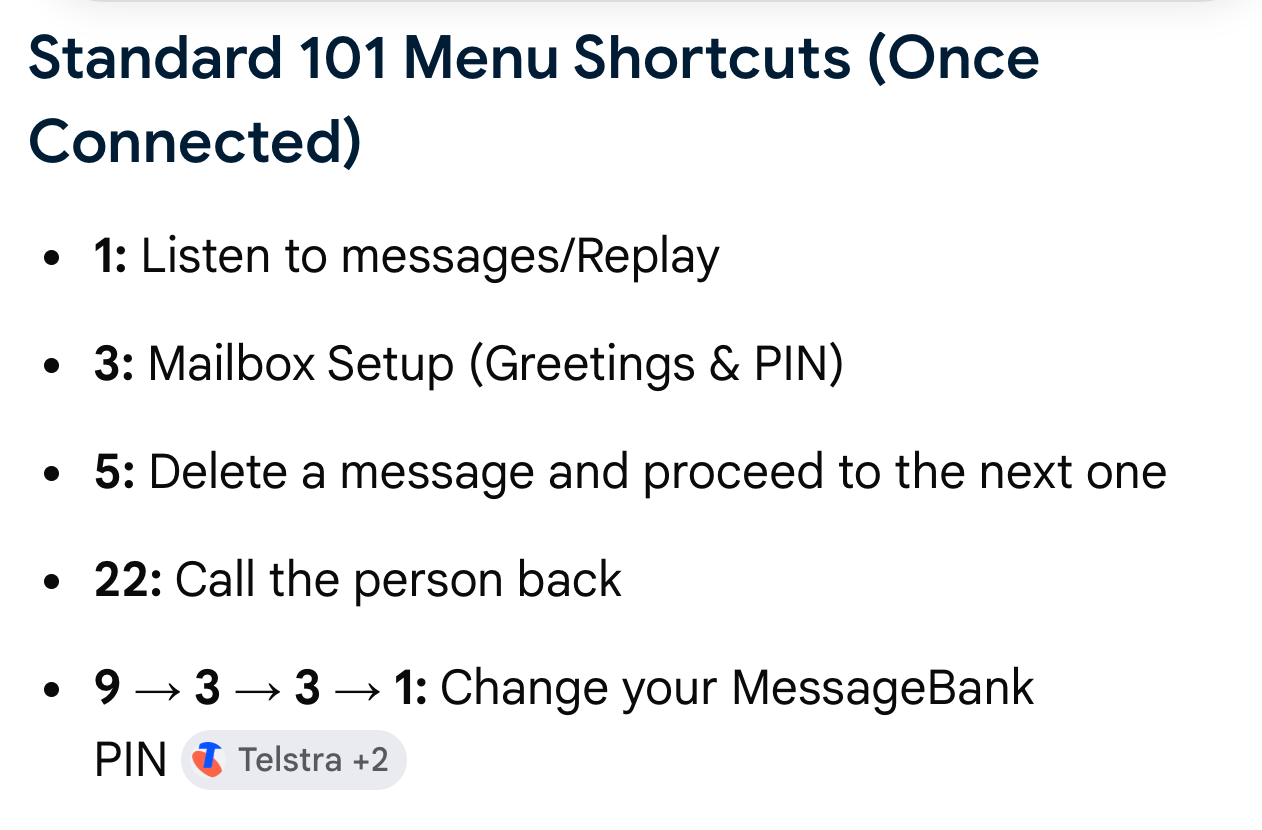
To record or change your personal MessageBank greeting on Telstra, dial 101 from your mobile phone, listen to any new messages or go to the main menu, press 3 for Mailbox Setup, press 1 for Greetings, and then press 1 to record your new message. Telstra.com
Steps to Record Your Greeting
- Dial 101 on your Telstra phone.
- Wait past any new voice messages to reach the main menu (press
**if needed). - Press 3 to open Mailbox Setup.
- Press 1 to select Greetings.
- Press 1 to re-record or set your personal greeting. Telstra.com
- +1
If you need help with a different setting, let me know if you want to:
- Set up or change your MessageBank PIN
- Turn off or on hang-up messages
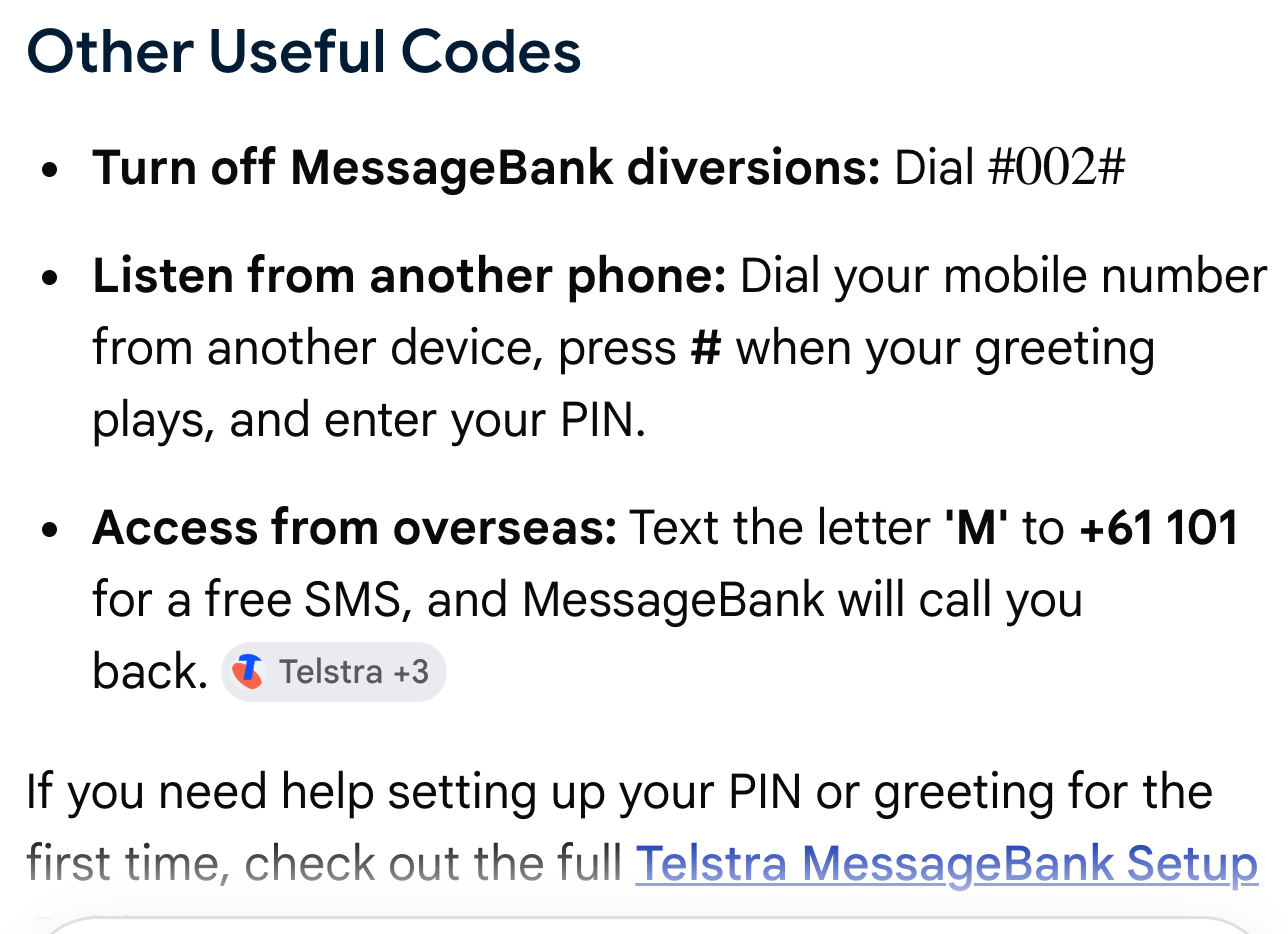
- Access voicemail from another phone
If you need help setting up your PIN or greeting for the first time, check out the full
Telstra MessageBank Setup Guide.
Recorded Message for AA Mobile
Hi
you've reached the answerphone for the Alcoholics Anonymous AA Wollongong Office.
If you want help for stopping drinking, please ring AA's helpline 1300 22 22 22.
If you'd like to leave us a message about a literature order or anything else, one of us will be happy to call you back when we are on duty in the office.
Our Office is open Mondays, Wednesdays and Saturdays 9am to 2pm.
Have a great Day
RECORDED FOR THE LANDLINE
Hi there
If you were calling our AA Wollongong Number 4285 6788 and want help for stopping drinking, please hang up and ring AA's helpline 1300 22 22 22.
wWe are sorry for this inconvenience.
If you'd like to leave us a message about a literature order or anything else, one of us will be happy to call you back when we are on duty in the office.
Our Office is open Mondays, Wednesdays and Saturdays 9am to 2pm.
Have a great Day
How to Call Forward From a Mobile - NOT USING NOW
1.
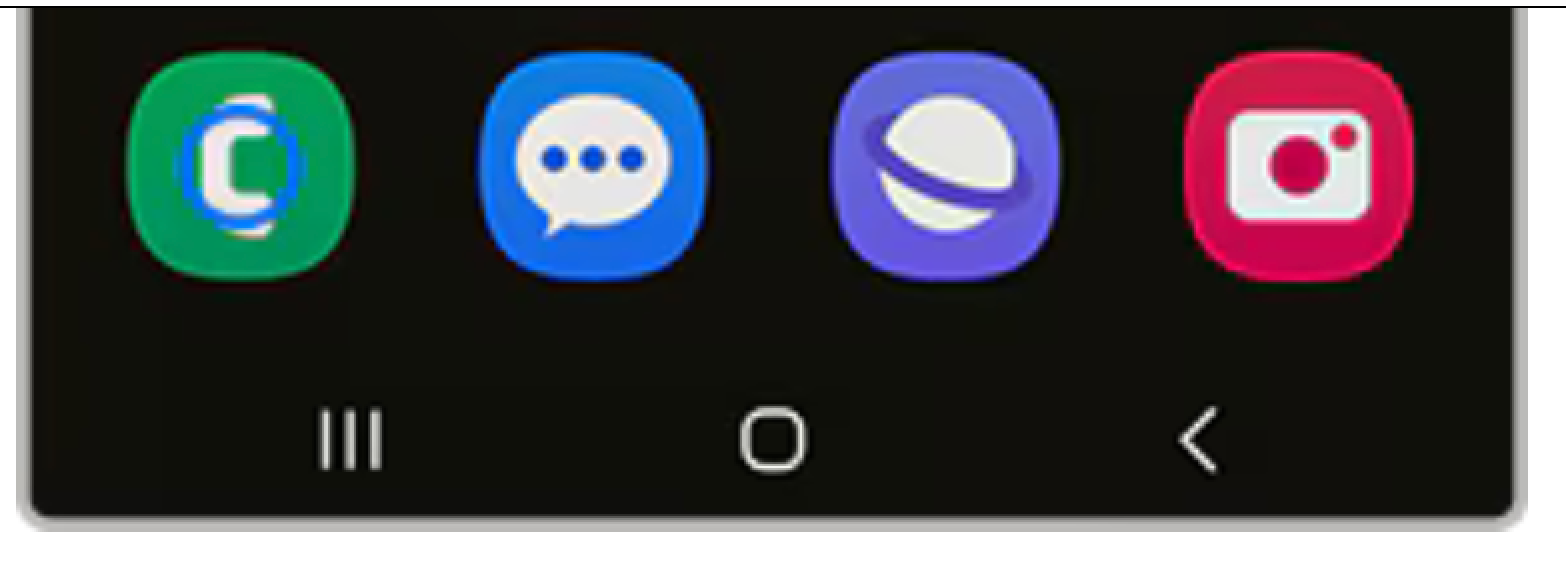
Open the Phone app: Locate and open the Phone app on your Samsung device.
Green left hand icon
2.
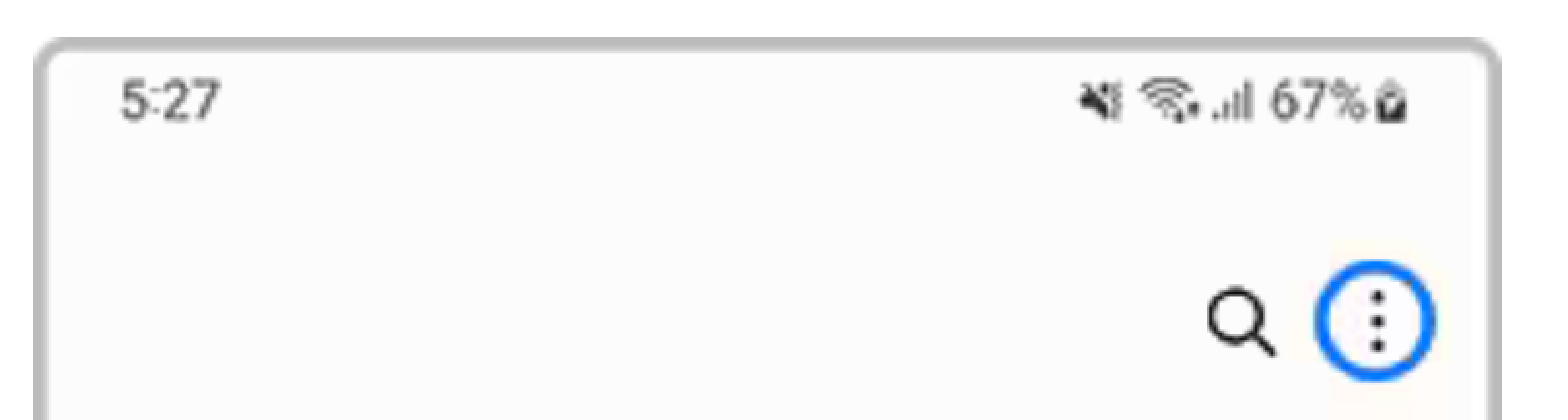
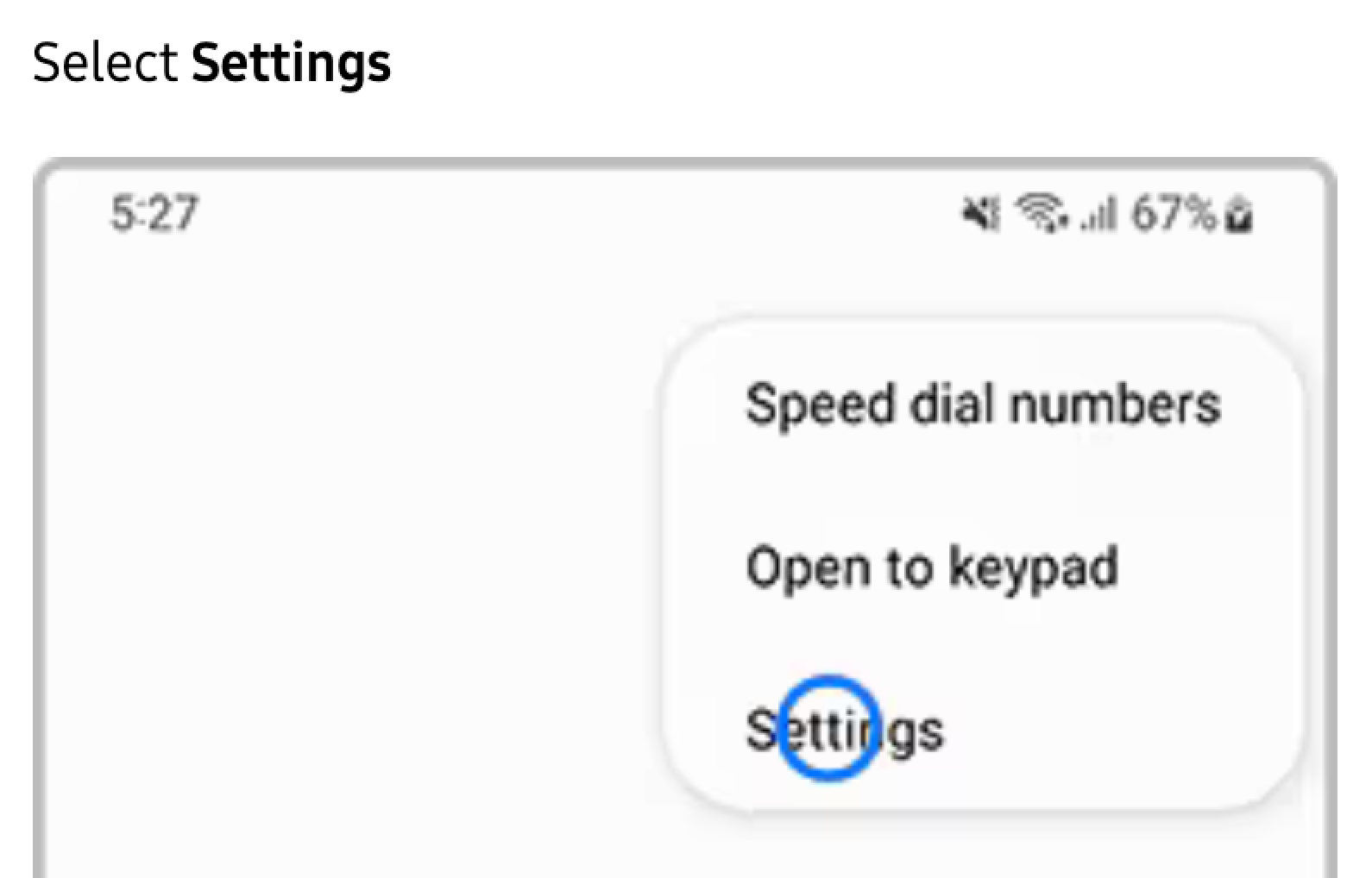
Access Call Settings: Tap the menu icon
(usually three dots or lines) and select "Settings".
3. Navigate to Supplementary Services:
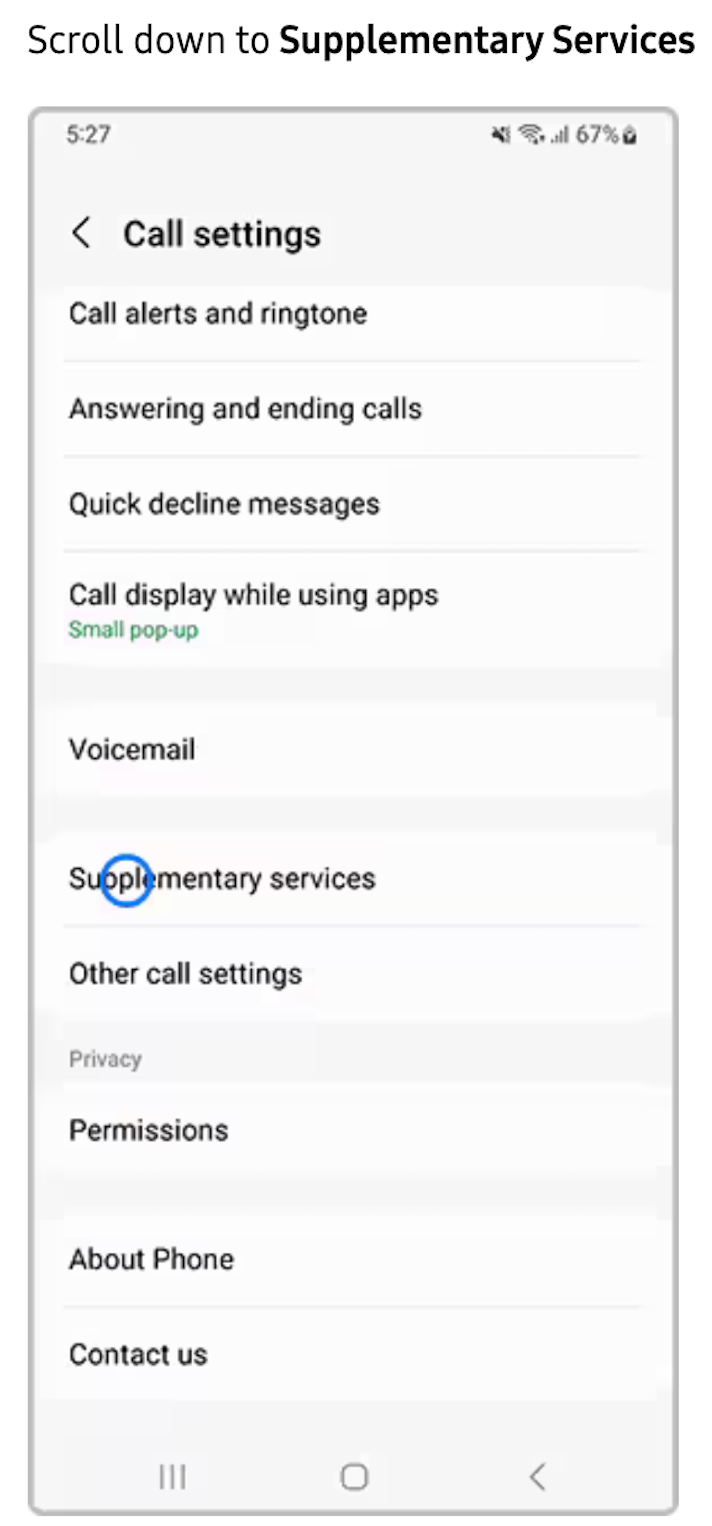
Scroll down and tap on "Supplementary services"
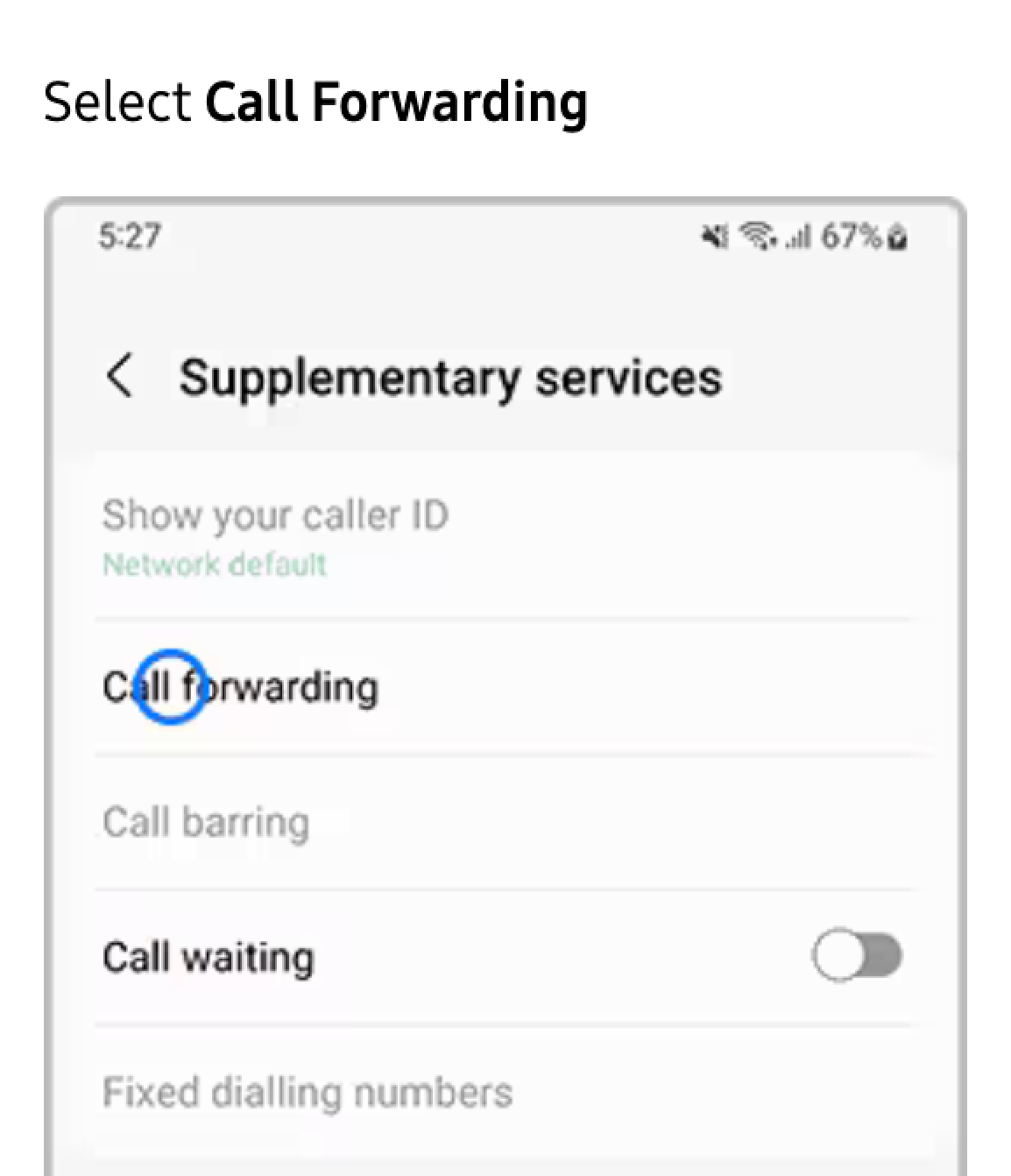
or "More settings" then "Call forwarding".
4. Choose Call Forwarding Option: Select the type of call forwarding you want:
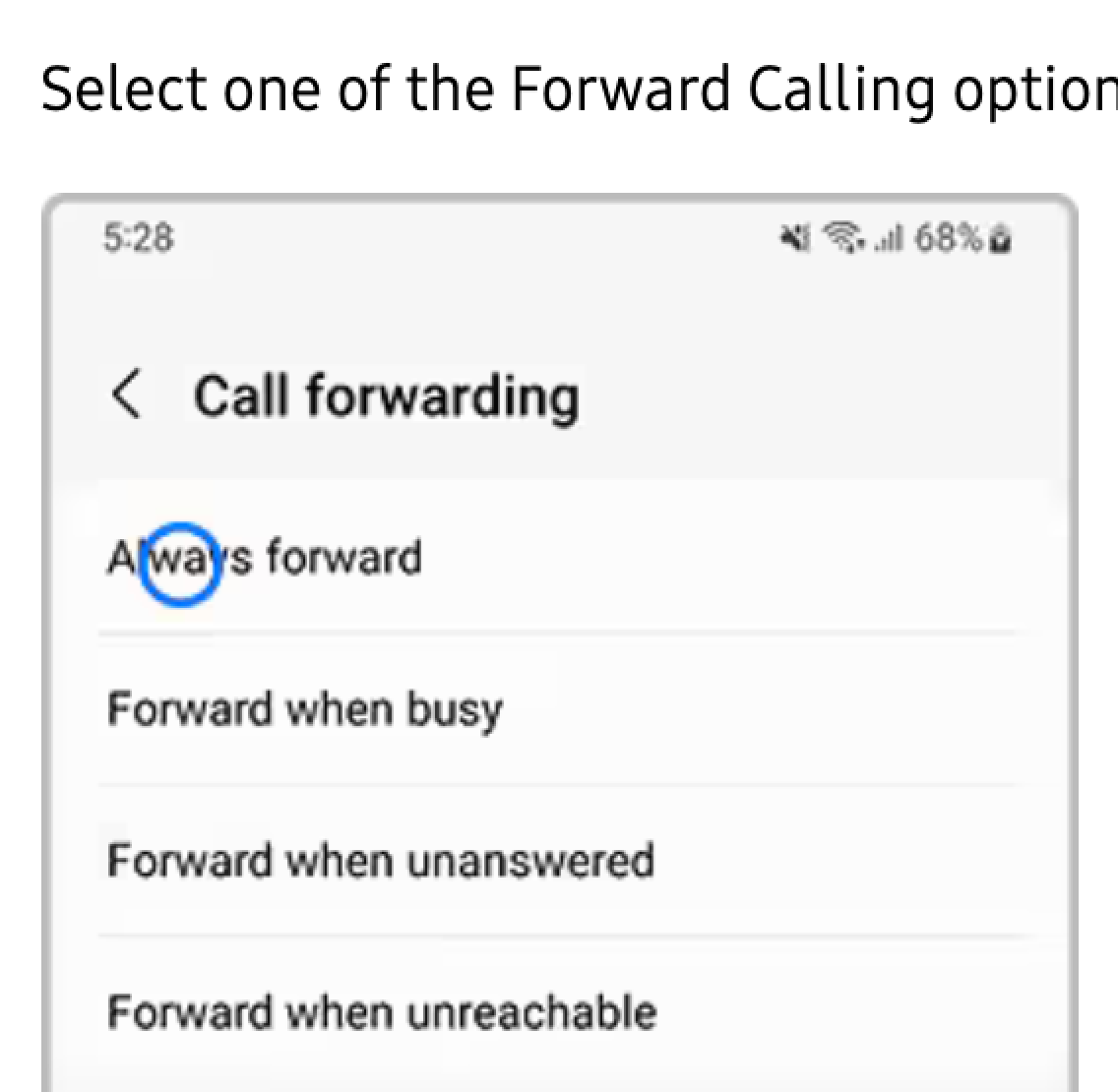
.
Always forward: Forwards all calls.
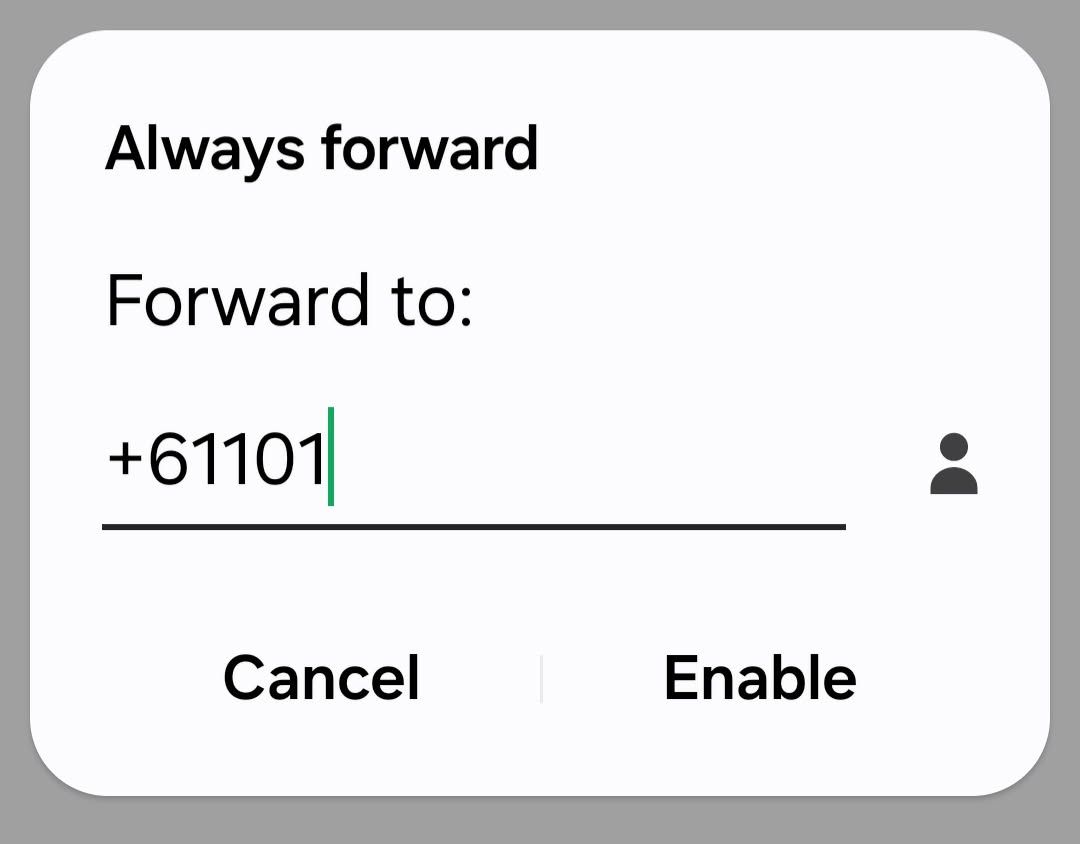
Type in 1300222222
Forward when unanswered:
Forwards calls if you don't answer.
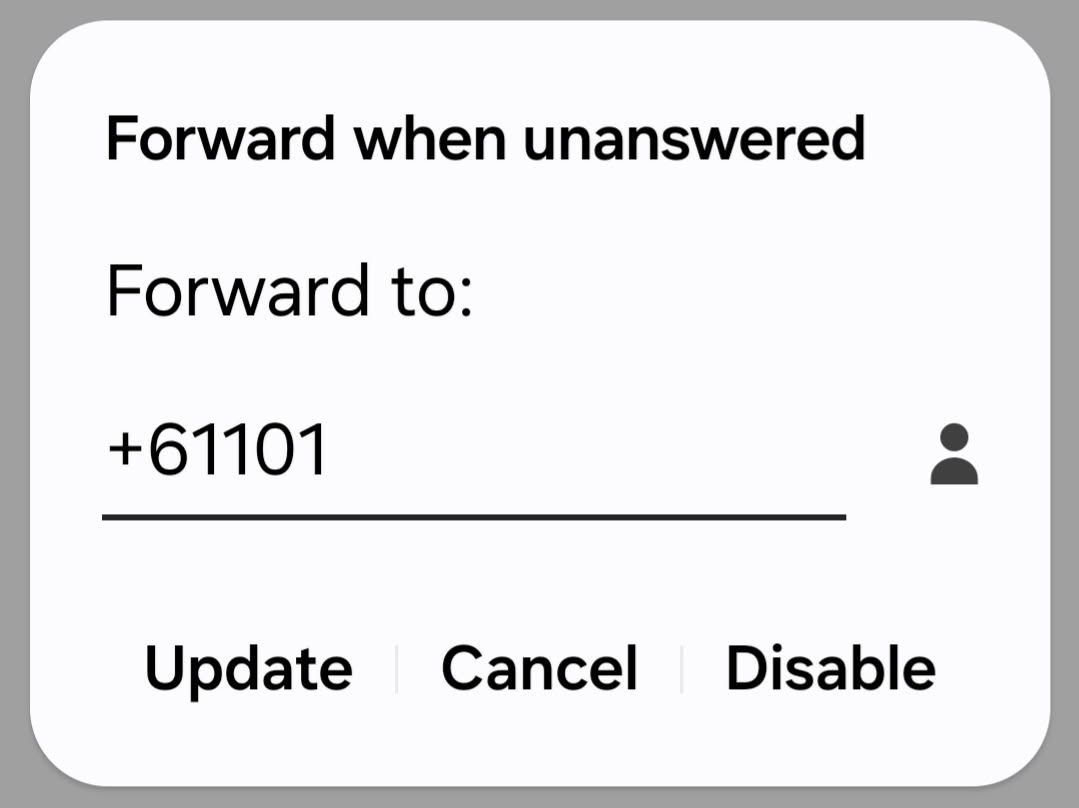
Leave as is
Forward when busy:
Forwards calls when you're on another call.
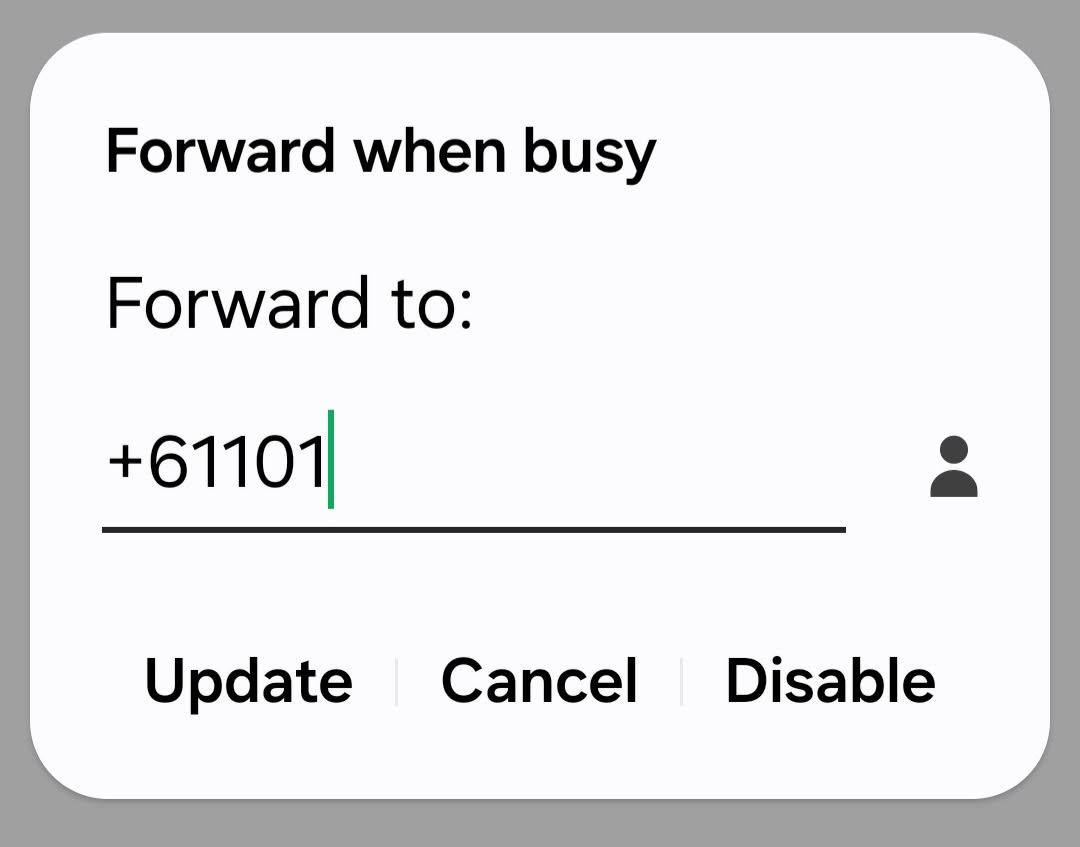
Leave as is
Forward when unreachable:
Forwards calls if your phone is off or out of service.
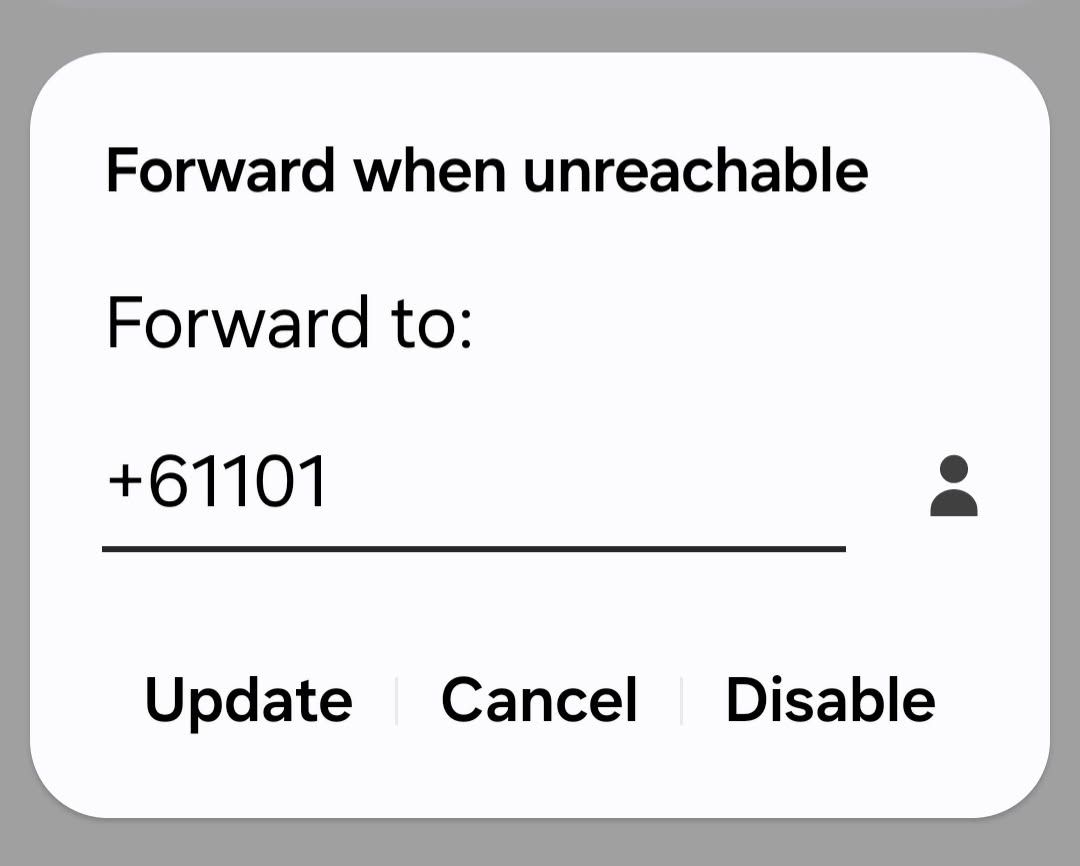
Leave as is
5. Enter the Number:
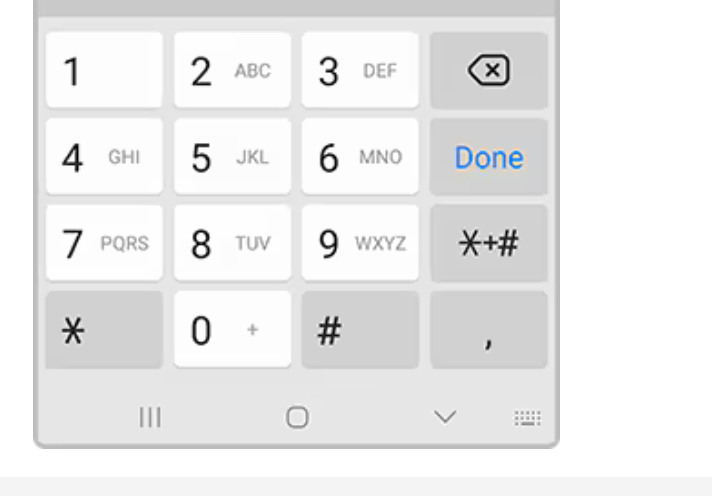
Enter in the contact number that you would like the calls to be forwarded to.
13002222
Once complete tap on the Enable button.
To Turn Off Call Forwarding
1.
Repeat to Step 4 above
2, Choose Always forward: Forwards all calls.
3. Choose Disable
4. Press Circle or < to
return to main screen
NOTE: The instructions we got to turn off all diverts was just turning off the Answer Phone function on the phone.
ALL Telstra codes only work on Land Lines !! &^^)**_{&U{)
TO RESET PHONE
- Turn Off Phone for at least 10 seconds
- Then turn back on
- So to Settings > Connections .
- Turn the Flight Mode ON,
- then turn OFF
ANOTHER WAY
- Go to SETTINGS
- SEARCH
- RESET
- A LIST COMES UP
.... Asks to back up phone ... IGNORE - SCROLL to RESET
- Press RESET NETWORK SETTINGS
- > Put in Mobile phone's pass code 130130
- CLICK RESET NETWORK again
- Phone may turn off then come back On.
TO Check all phone software is up-to-date;
- go to Settings
- General Management
- Software update .. check if an update is there.?
.